
Building a Maze Generation (Part1)

So far, my project has been going pretty well, with most of the necessary mechanics to simulate a functioning game already in place. However, one major part of my project that is still in development is the process of developing a maze. I can't just manually make a maze every time; that defeats the purpose of letting AI control the game!
Therefore, I’ve decided to stick with the process of automatically generating a malleable maze through an algorithm that the AI can control upon running the game.
Step 1, trial and error
In order to give the AI control over the maze, I actually need to generate one first, so we’ll start with that. My first thought as to how I could generate a maze was by quite literally using luck and randomness.
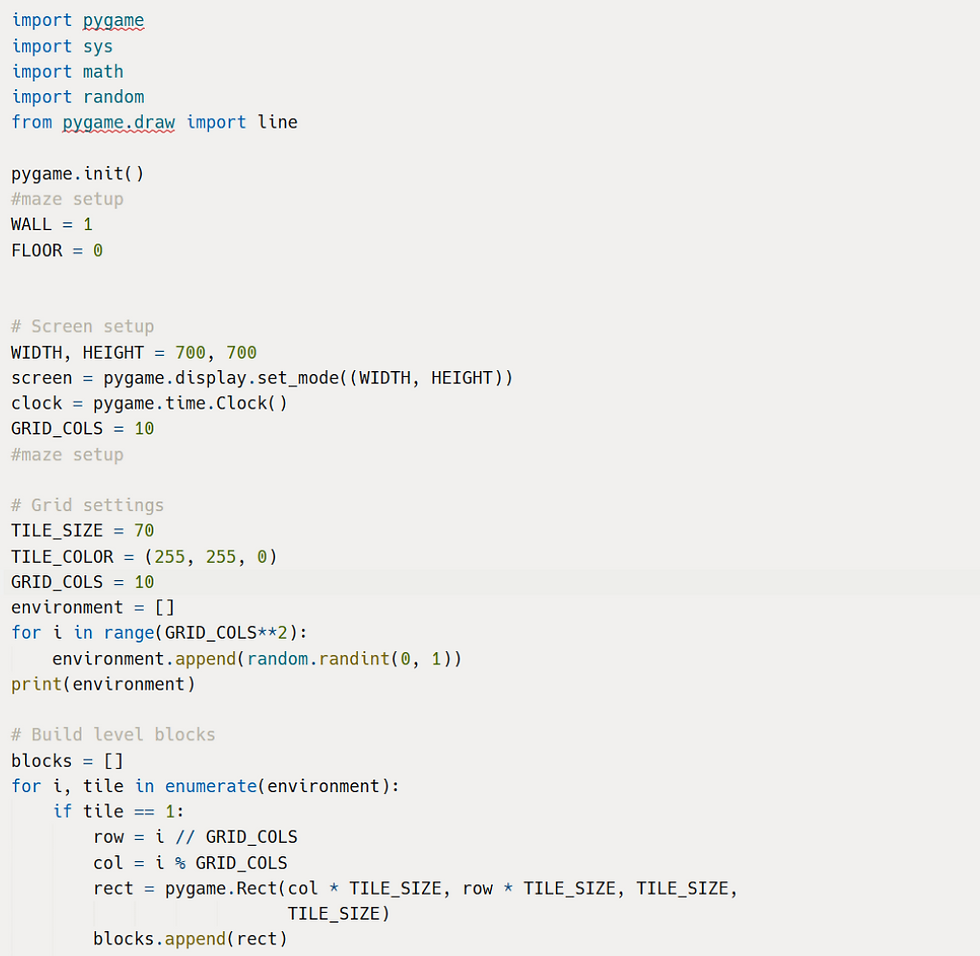
The image above shows the basic, initial setup of my automated maze generation. Of course, I knew this wouldn’t work, but I was also curious as to how this might go. There are several variables here that are quite important, but the main variable is the one called “Environment”, as that is the maze itself. Before I automated my maze generation, “Environment” was just a list of 1’s and 0’s, where “1” stood for a wall inside the maze. Although this method was easy to use, it was a hassle to change the shape of the maze, and the options to make a maze were very limited and time consuming.
Upon running this code, the maze that came out was this:

Of course, the maze was just a bunch of chaos and randomness. It looks like a block of cheese that had holes cut out of it randomly, as that is quite literally what I did. However, at least the maze is automatically generated, which is one step forward.
Step 2, building upon what I have
Now, this maze looks like a complete mess. It doesn’t really have a start, nor an end; it doesn’t have any paths available, and it looks trash. In order to fix this, I had to think beyond just lazily generating through luck. I had to find a concrete method that makes logical sense; an algorithm that can guarantee a beautiful, full-fledged maze. However, my brain isn’t the fastest and most creative thing in the world; I couldn’t just think up an algorithm so grand on the spot. Therefore, I decided to brainstorm and test my ideas, which I had several of. My first idea was to generate a path to the start and end of the maze, as that is a core aspect of all mazes. I proceeded to do so by creating a function that made a list full of “1”s, which represented a block of walls. Then, in that function, using randomness once again, I chose a direction, up, down, left or right, and then moved in that direction, and deleted the block inside of where I currently was. In simpler terms, I was randomly moving in one direction at a time, like a king in chess, and then carving out a path while doing so.
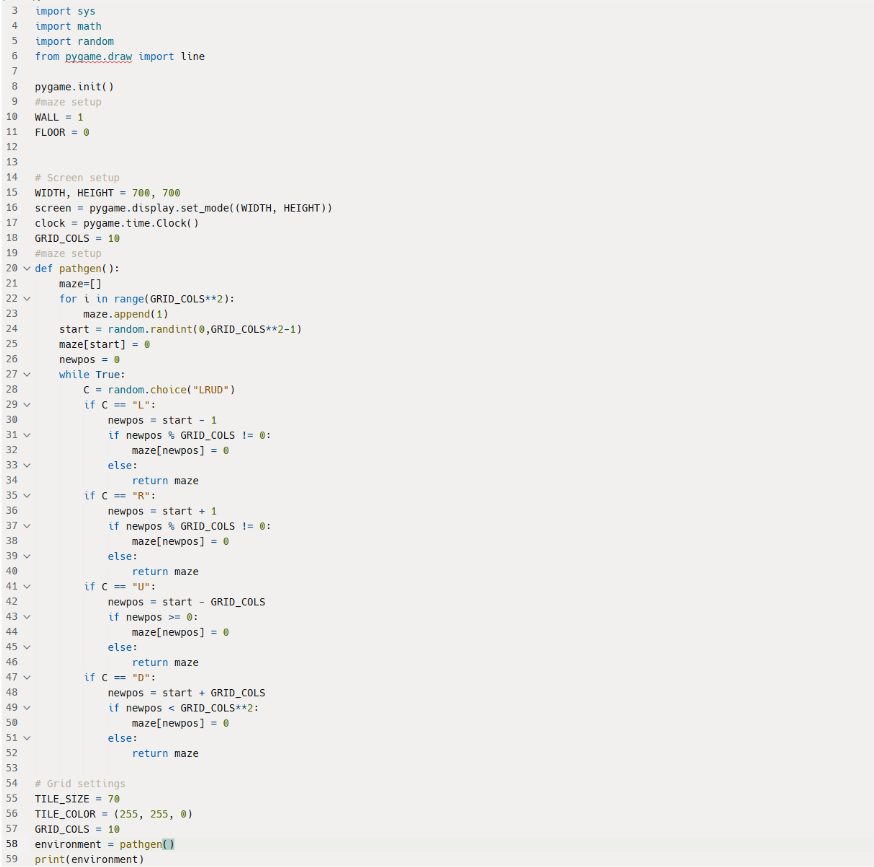
Now, upon running this code, I got this:
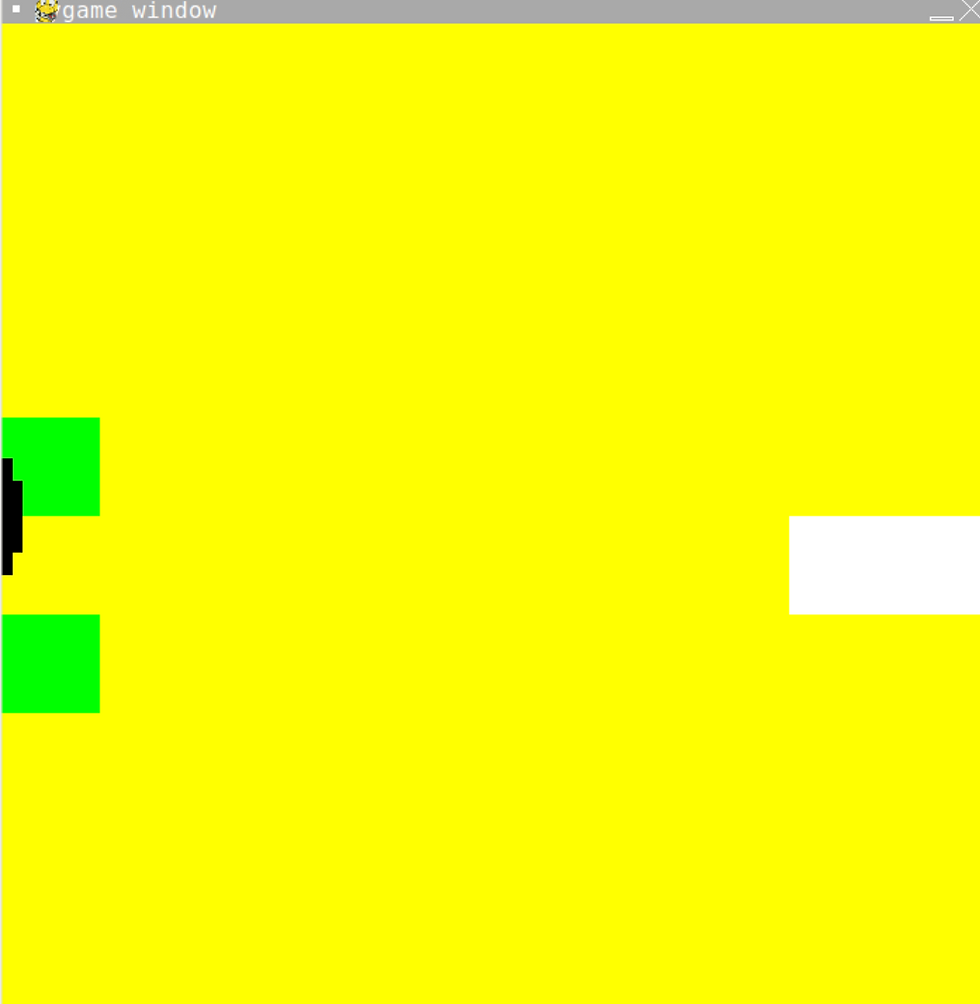
Ok. Maybe that was a bad run. Here is what I get after continuously running this code:

Apparently, there is something wrong with my code. Looking back, the basic statement that my code gives is: “Keep making a path from a randomly chosen point in the maze until you hit an edge.” Theoretically, this code should 100% work if run multiple times, as cases like the one shown above SHOULD be just unlucky cases where the randomly chosen point is right near the edge. However, since I ran it multiple times and yet the same issue keeps occurring, perhaps its an issue with the code. I believe the issue lies in the part where, upon deciding a choice of direction, the code also determines if it should return the list early or not. I placed this code so that the end could be at the edge and that the index of the list of my maze doesn’t return an error when going out of bounds, so it seems I have to fix the wiring of my code.

This time, I made a new list called “Borders”. By making this new list, I can ensure that my path doesn’t end on the edge of the maze, and that it will generate a fully fledged path! I also made the start of the path always be at the top left corner of the map because that is where the player spawns in. I may change this, depending on whether or not I can successfully complete this maze generation.
However, there are some things I need to fix, such as adding an end. Another issue with this code is that the path generated is always a set amount of blocks long. Furthermore, this path generation can intersect with itself, leading to the “maze” looking more like an open room. It is important, though, that I know if this code will run better than before, so here is the result:
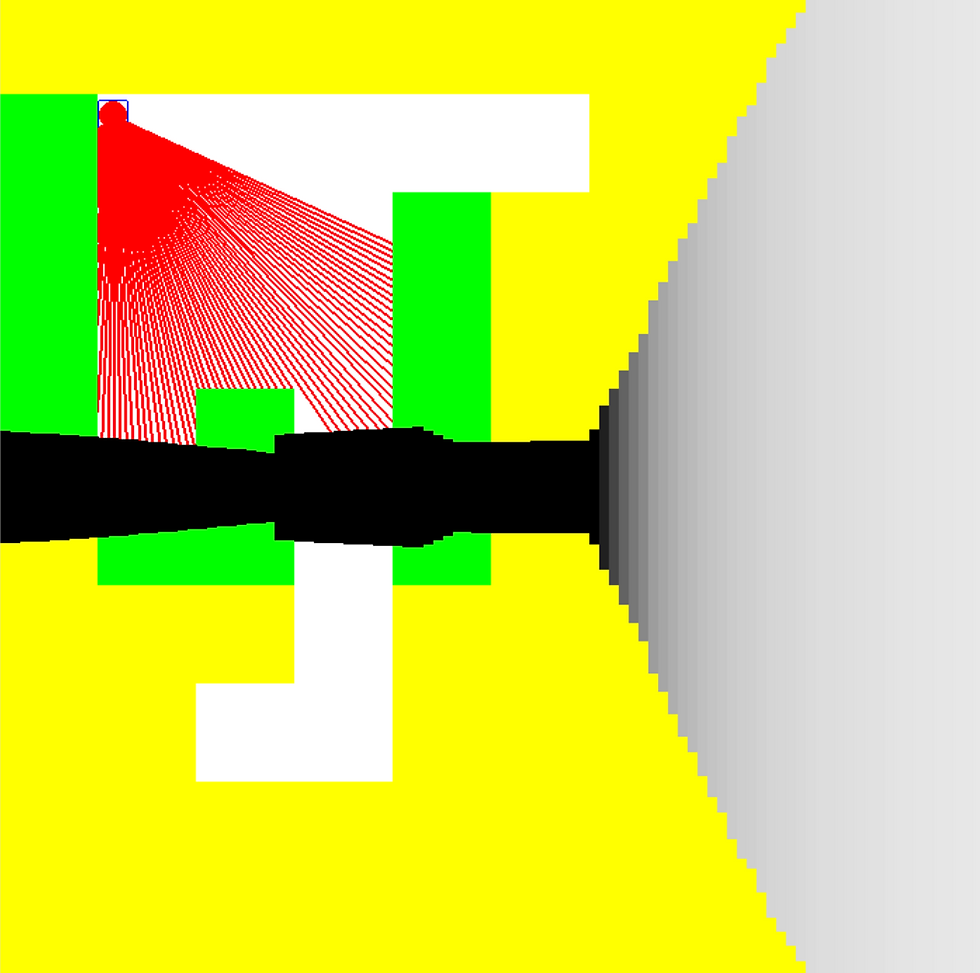
Yup, this definitely looks way better than before, as there is an open path throughout the maze. Although, as I’d already said, there are many issues still with this generation. The next step is to polish it up and give it more “mazey” vibes.


Comments